
Free download
Enjoy all the playing features on the free layouts.
- Easy Pyramid, Easy Turtle and Easy Fortress
- Shuffle, Hint and Undo
- Your score, playing time and game history
- All tile artwork, light and dark modes, and color palettes
Mahjong solitaire for iPhone
Find a pair, lift it away and see what’s underneath. Every new game has a way through, and you can take your time finding it.
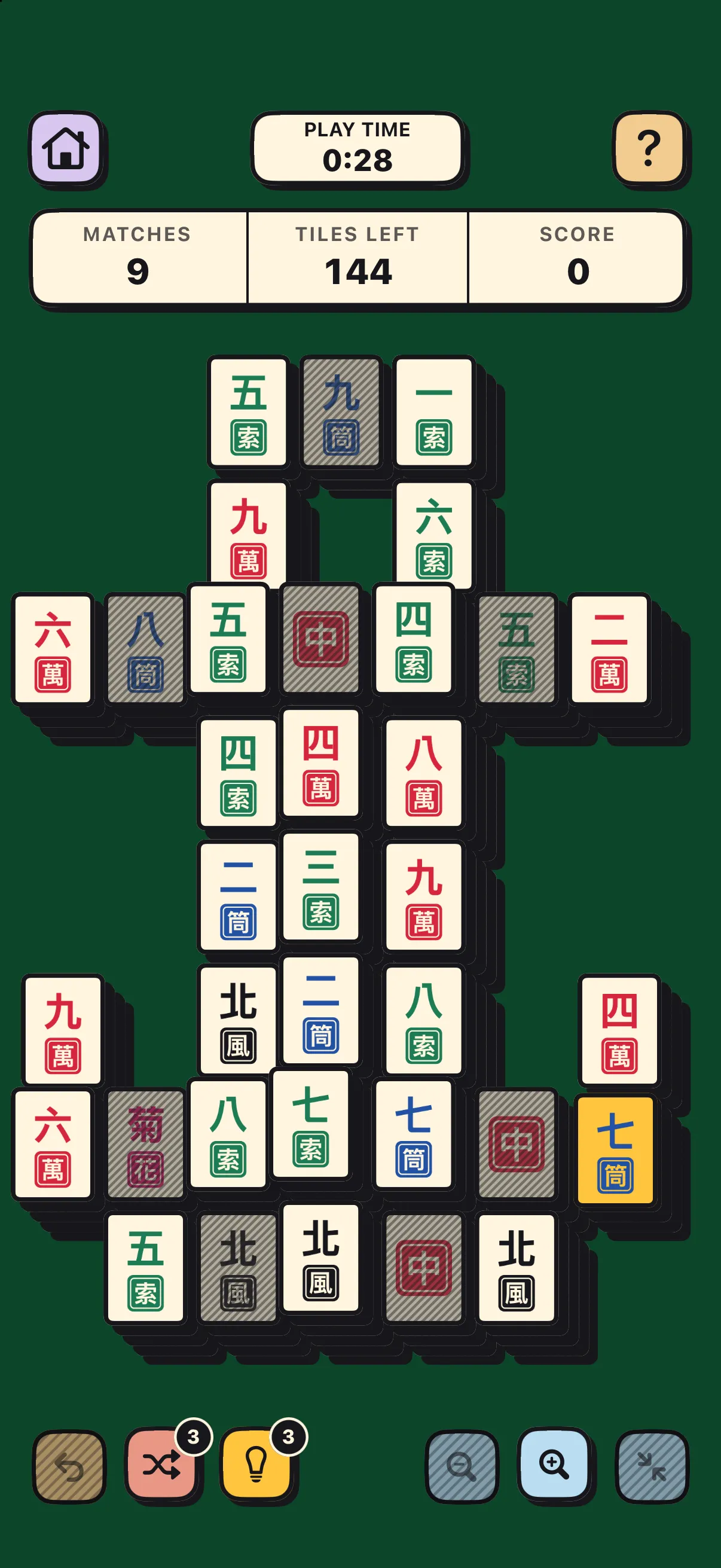
The game
Lumenleaf Mahjong is mahjong for one, played on iPhone and iPhone Duo. Work your way in from the edges of the stack. Each pair you lift can reveal a tile you couldn’t reach before.
A tile is free when nothing covers it, even partly, and its left or right side is open.
Look for the same picture on another free tile. Any two flowers match, and so do any two seasons.
Lift the last pair to win. If you run out of matches, try Undo or a shuffle if you have one left.
Features
There’s no bonus for speed. Take another look at the board, or leave a good puzzle for tomorrow.
Every new game starts with a way to clear the board. Part of the pleasure is spotting which pair to take first.
Play any layout on Easy, Medium and Hard. Start with an open board or settle into deeper stacks.
Ask for a hint, shuffle the board or tap Undo to try a different pair. Hints cost no points.
Your iPhone saves your place when you set it down. The clock counts only time spent playing, and History keeps your results.
Choose the artwork, adjust the colors and decide how much to dim the tiles you can’t play yet.
Pinch to zoom in and drag to look around. Double-tap the felt to see the whole board again.
Layouts
A layout gives the stack its shape. Each comes in Easy, Medium and Hard, so you can play a shape you like at the challenge that suits you.
Fewer tiles and usually more room to move. A gentle place to start.
More tiles to uncover, often tucked into deeper stacks.
The fullest boards, usually with the deepest stacks. Take a moment to look ahead.
Easy Pyramid, Easy Turtle and Easy Fortress are free to play. Mahjong Premium unlocks the rest.
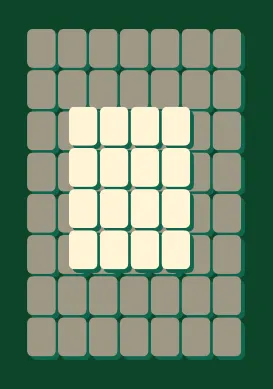
Easy Pyramid
Free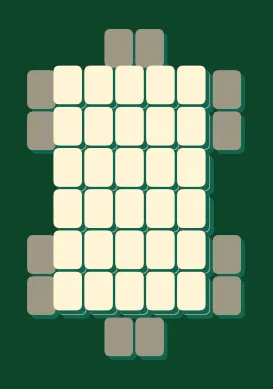
Easy Turtle
Free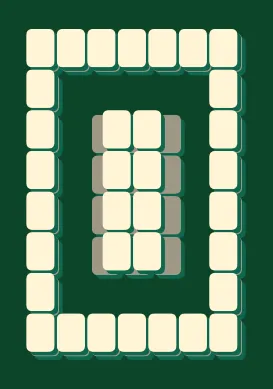
Easy Fortress
FreeTile artwork
Try a theme in Settings and see which symbols feel familiar. You can switch midgame and carry on matching the same pairs.
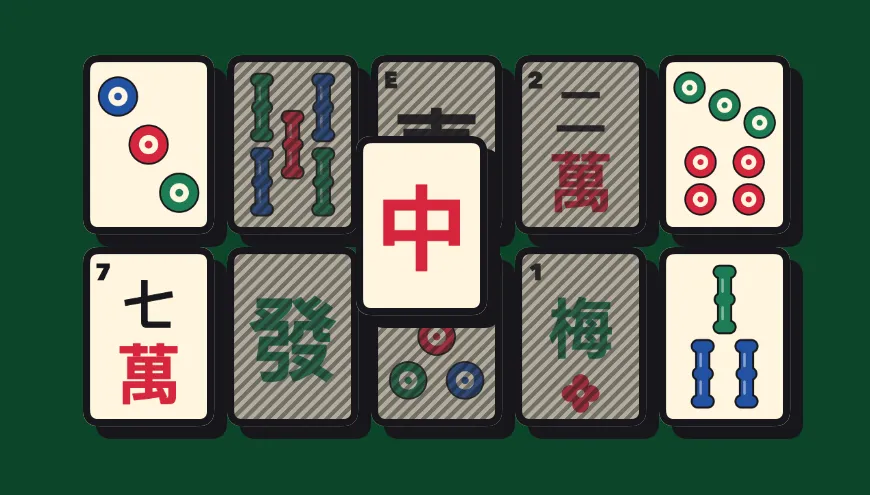
Look for familiar markings, like the ringed circles on the three of dots.
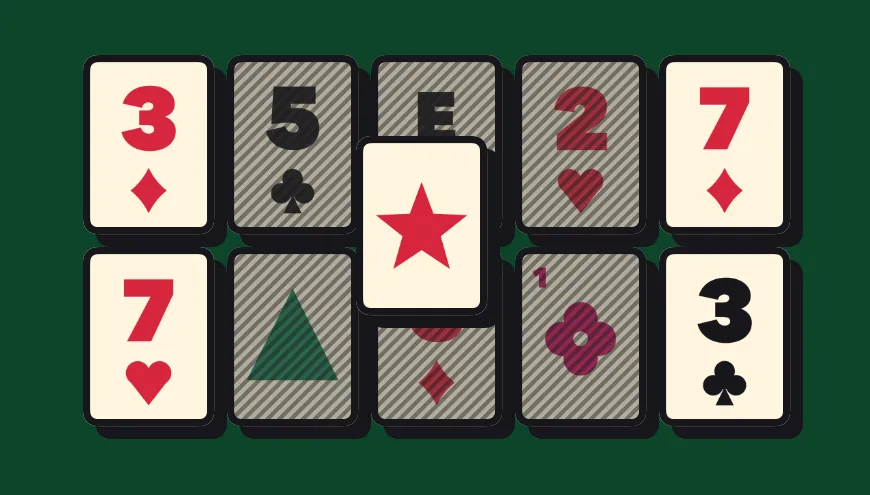
On the three of dots, look for a 3 above a diamond.
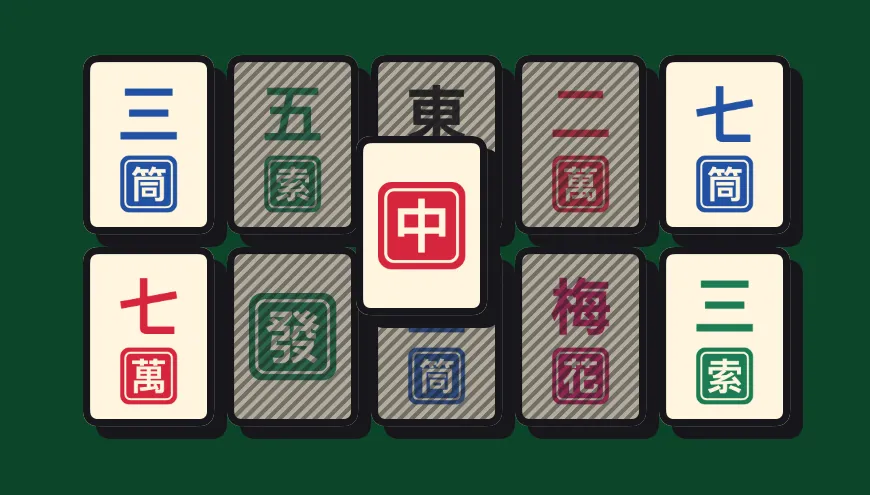
Chinese artwork gives each tile its own symbol.
Choose a look for the tiles and felt. System follows your iPhone's light or dark setting.
Color vision and comfort
See which colors feel comfortable on the felt, tiles and buttons. The symbols stay the same in every palette.
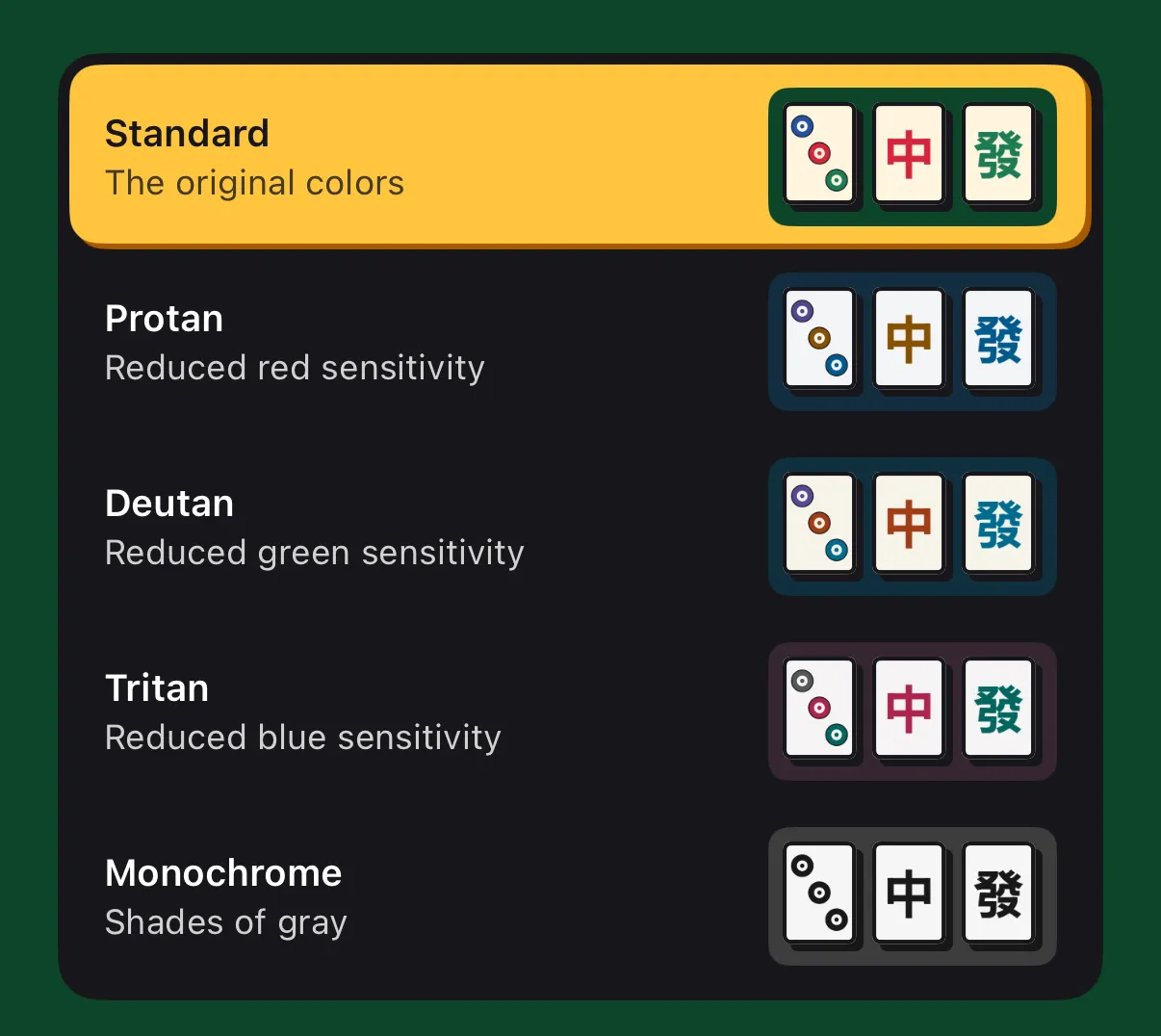
The original colors.
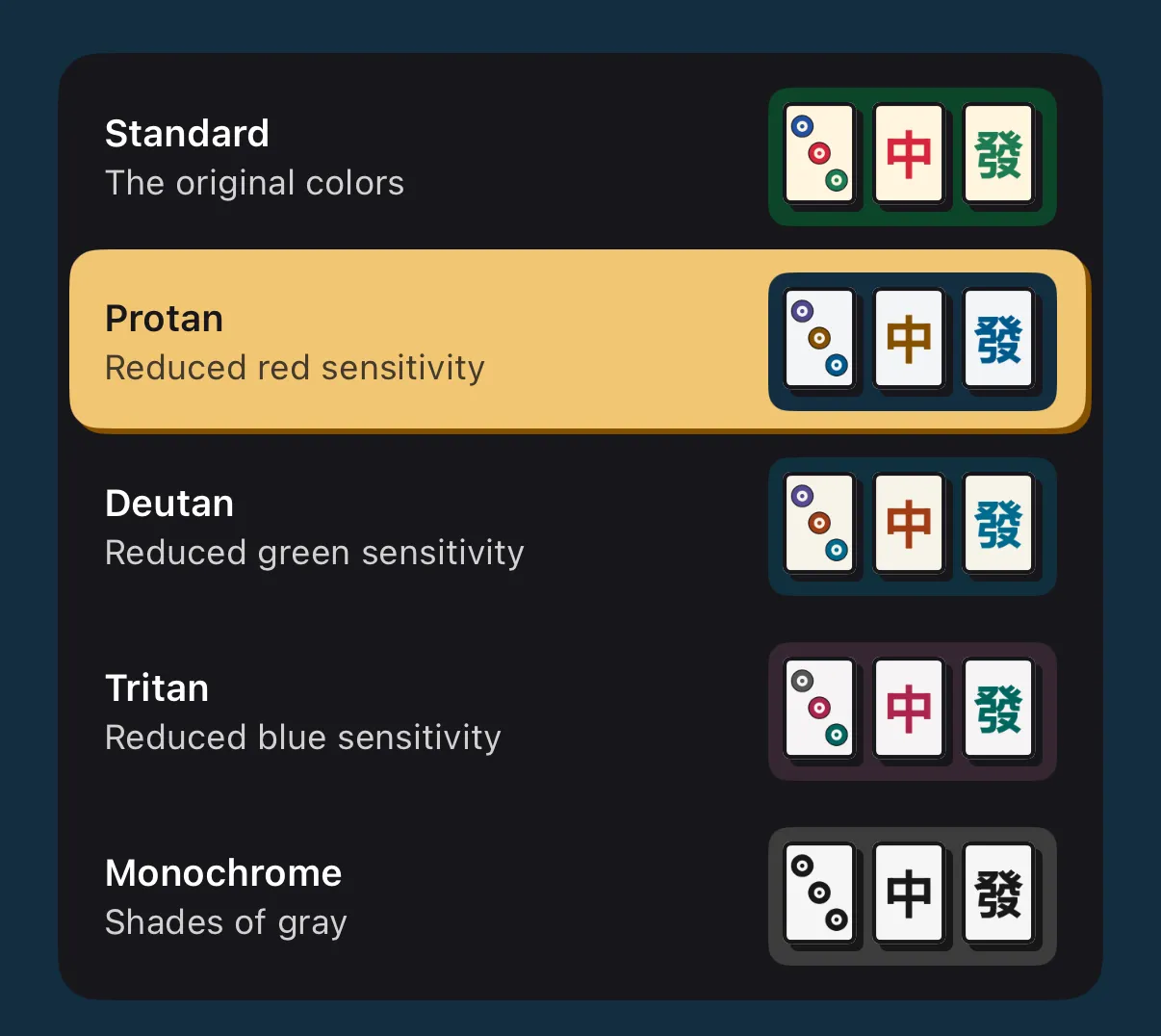
For reduced red sensitivity.
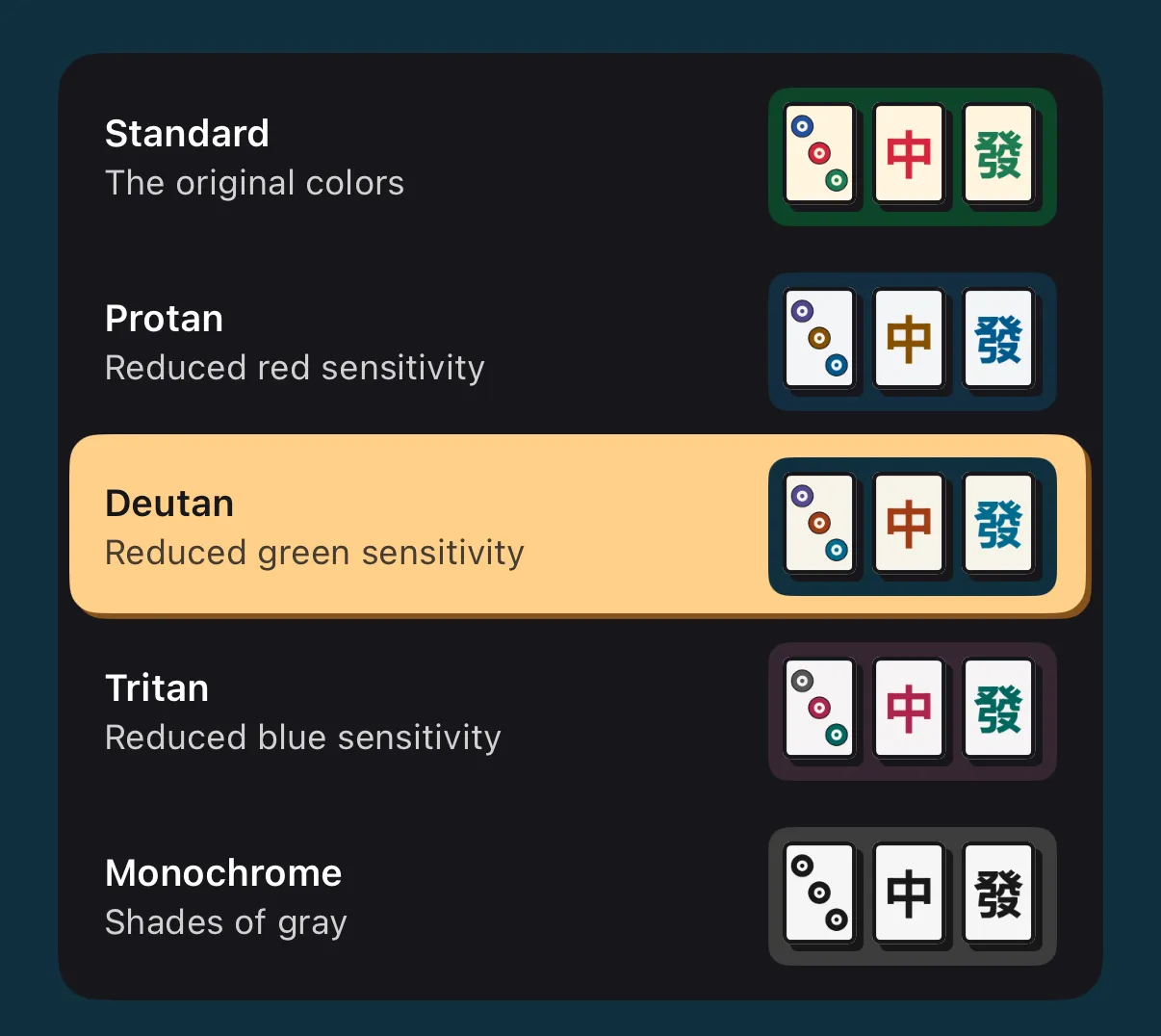
For reduced green sensitivity.
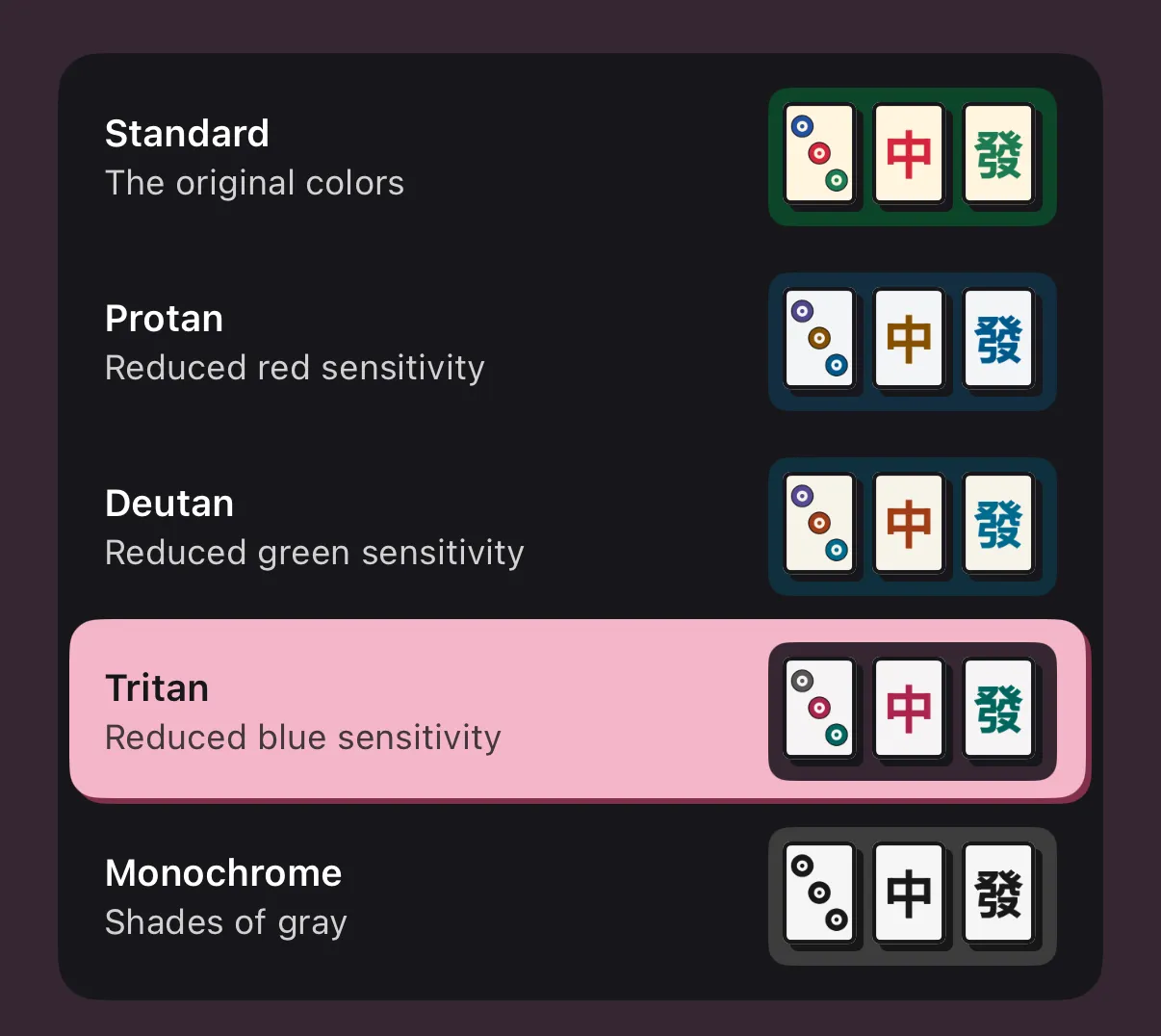
For reduced blue sensitivity.
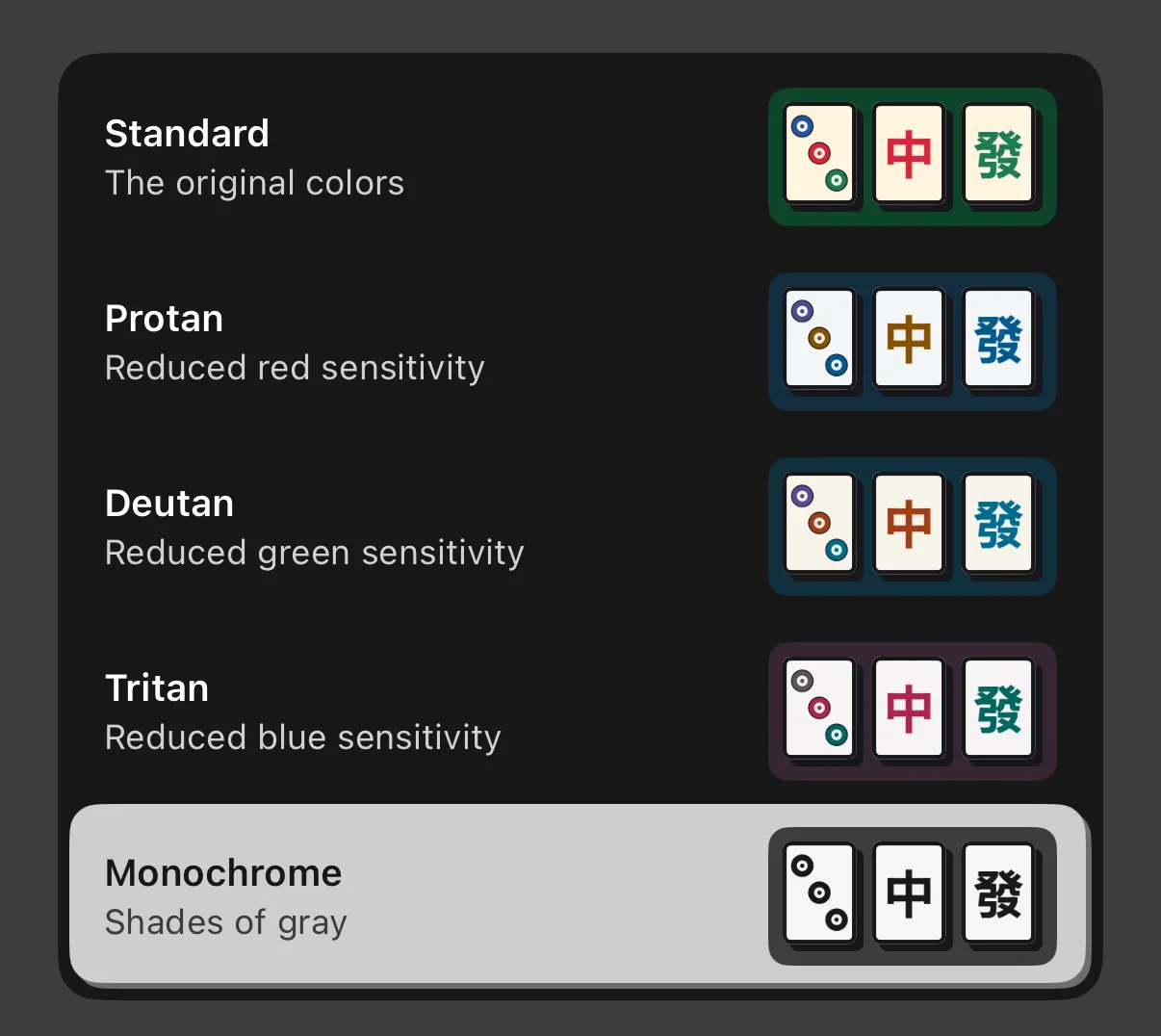
Shades of gray throughout the app.
Make free tiles stand out by dimming the blocked ones. The slider starts at 30% and runs from 0% to 100%. Blocked tiles keep their stripes at every setting.
These palettes are optional reading aids. They don’t simulate anyone’s vision or guarantee that everyone can read the tiles. In every theme, symbols help distinguish suits, dragons, flowers and seasons.
Gameplay isn't accessible with VoiceOver.
Mahjong Premium
Enjoy all the playing features on the free layouts.
Everything in the free download, plus:
The App Store shows the price in your currency.
FAQ
Yes. Download it free on an iPhone running iOS 26 or later. You can play Easy Pyramid, Easy Turtle and Easy Fortress as often as you like, with all the playing features.
One purchase unlocks every layout on Easy, Medium and Hard. The App Store shows the price in your currency. Premium stays yours, even after you reset the app. To bring it to a new iPhone, use Restore Purchases in Settings with the same Apple Account.
Yes. Every new game starts with a way to clear the board. The pairs you choose can open up your next move or leave you stuck. A hint points out a pair you can match right now. If the remaining tile positions can still be cleared, shuffling gives you a new way through.
You have three shuffles and three hints in each game. Hints are free, and each shuffle costs 200 points, even when you’ve run out of pairs. Taking back a move or leaving and coming back keeps the same allowance. Starting a fresh game gives you a full set again.
Play for free, with no ads. When it’s time to put your iPhone down, your game will keep your place.
Download on the App Store